
Settings and Site Check
Turn agent access on or off, find your store address, set the daily AI limit, and fix the hosting problems that stop an agent from connecting.
The Settings tab of AI Product Tools > AI Agents holds the switches that apply to every agent, and the Site check that tests your hosting for MCP.
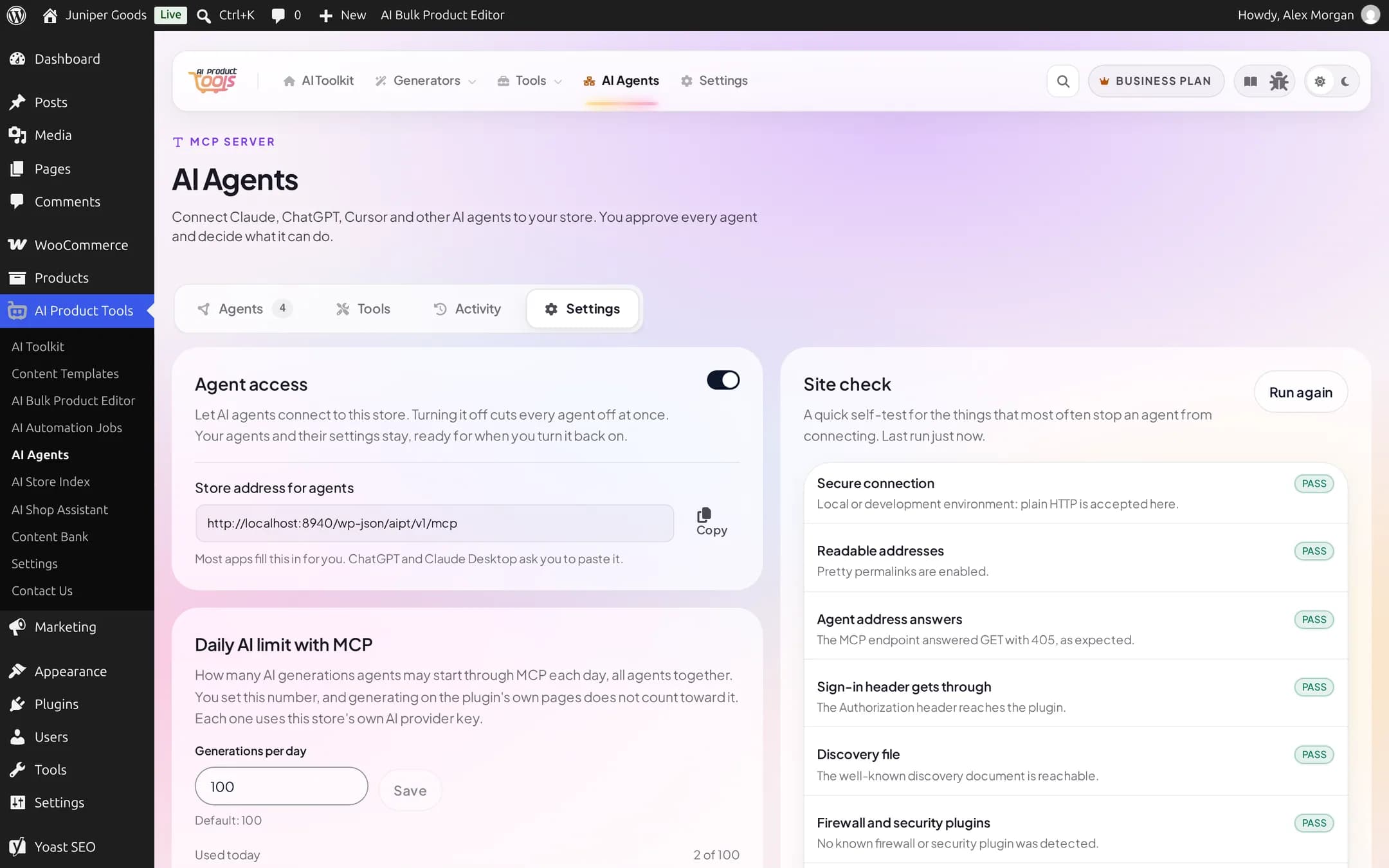
Agent access
Let AI agents connect to this store is the master switch. Turning it off cuts every agent off at once: their requests are refused until you turn it back on. Your agents and their settings stay, ready for when you turn access back on. The page asks you to confirm before it turns access off, and the Agents tab shows Agent access is off with a Turn access back on button while it is off.
Store address for agents
The address every agent connects to, with a Copy button: https://your-store.com/wp-json/aipt/v1/mcp. Most apps fill it in for you. ChatGPT and Claude Desktop ask you to paste it.
Daily AI limit with MCP
How many AI generations agents may start through MCP each day, all agents together. Each generation uses your own AI provider key. Generating on the plugin's own pages does not count toward this limit.
- Default: 100 a day. You can set any whole number from 0 to 10,000.
- Used today shows how much of the limit agents have used.
- 0 stops agents from starting AI generation. Content an agent wrote itself still works, and agents can still read, edit and organize the store.
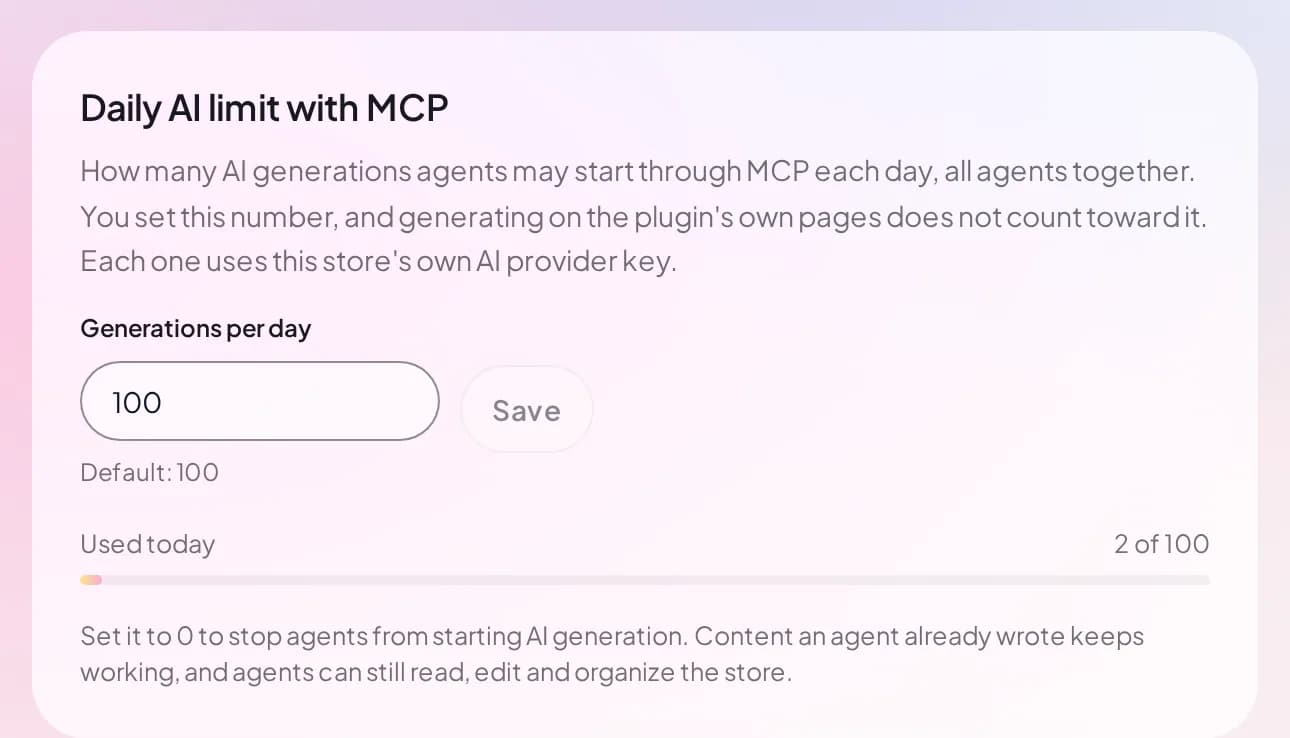
When agents reach the limit, AI generation requests are refused for the rest of the day. A request that is refused for any other reason, for example a permission level that is too low, does not use the limit. The Tools tab shows which tools use your AI key.
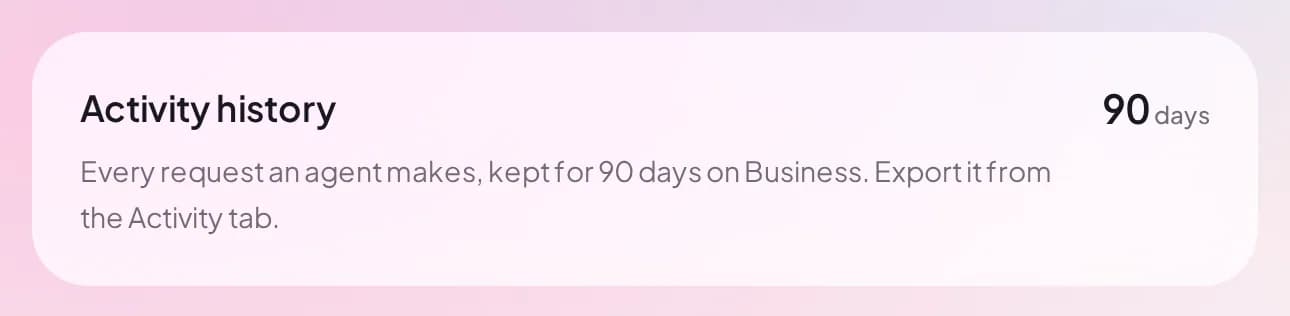
Activity history
How long the activity log is kept: 14 days on Free, 90 days on Business, where you can also export it to CSV from the Activity tab.
Site check
Check my site runs a quick self-test for the things that most often stop an agent from connecting. Each line shows Pass, Warning, Fail or Could not test. A warning says what to change and where, and some come with a Copy fix button.
You can also start it from Run a site check in the setup rail, or from the "Check that it works" step while the page waits for an agent's first request.
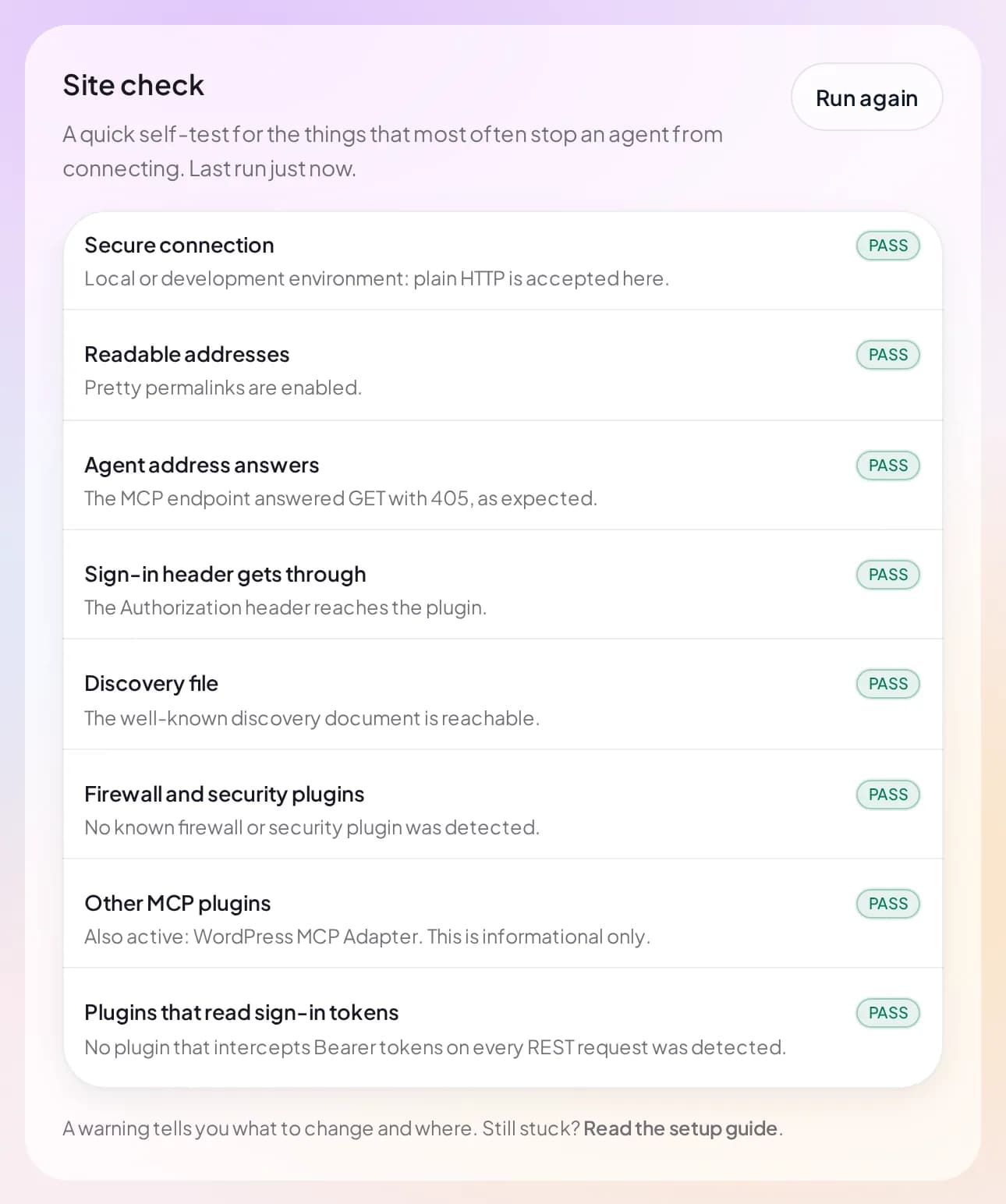
What each check means
Other problems
Activity Log
Every request an AI agent makes on your store, with filters, refused requests and what to do about them, and CSV export on Business.
AI Shop Assistant
A storefront chat widget that answers shopper questions from your own catalog, recommends real products, and queues anything it cannot answer.